




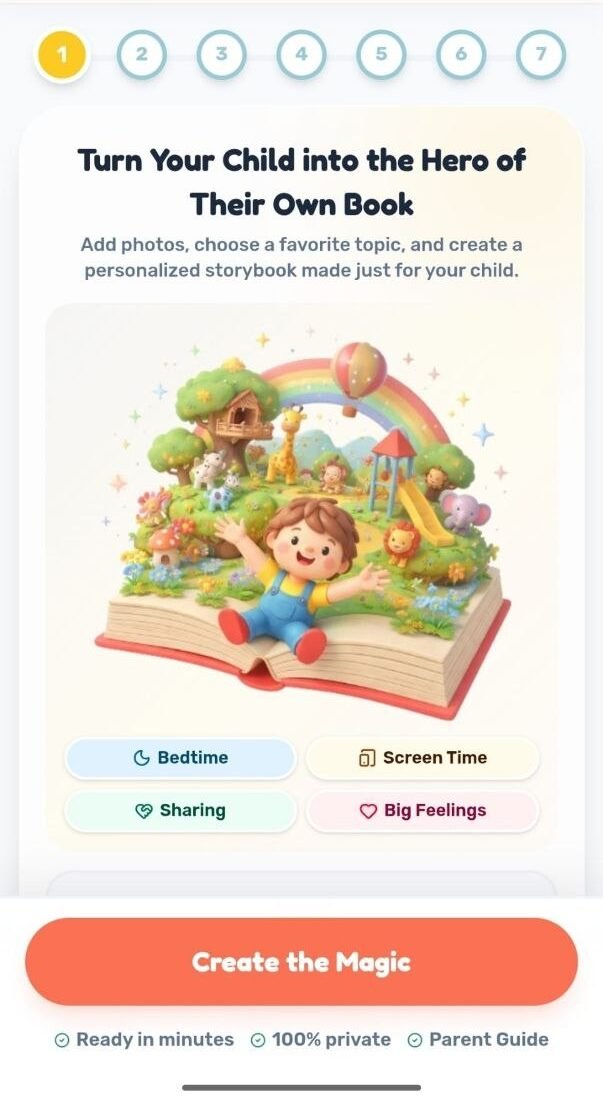
Step 1: Turn Your Child into the Hero of Their Own Book
Everything starts with one simple step. Add a photo of your child (completely optional) and choose the topic that matches what your family needs most right now.
Choose from:
- Bedtime: calm, soothing stories that help your child wind down
- Screen Time: playful stories about healthy balance and habits
- Sharing: stories that build kindness, patience, and teamwork
- Big Feelings: stories that help your child name and manage big emotions
No writing skills needed, no long forms to fill in. Just pick a topic, add a photo if you’d like, and let Maple-Kids handle the rest.
Ready in minutes. 100% private. Includes a Parent Guide.
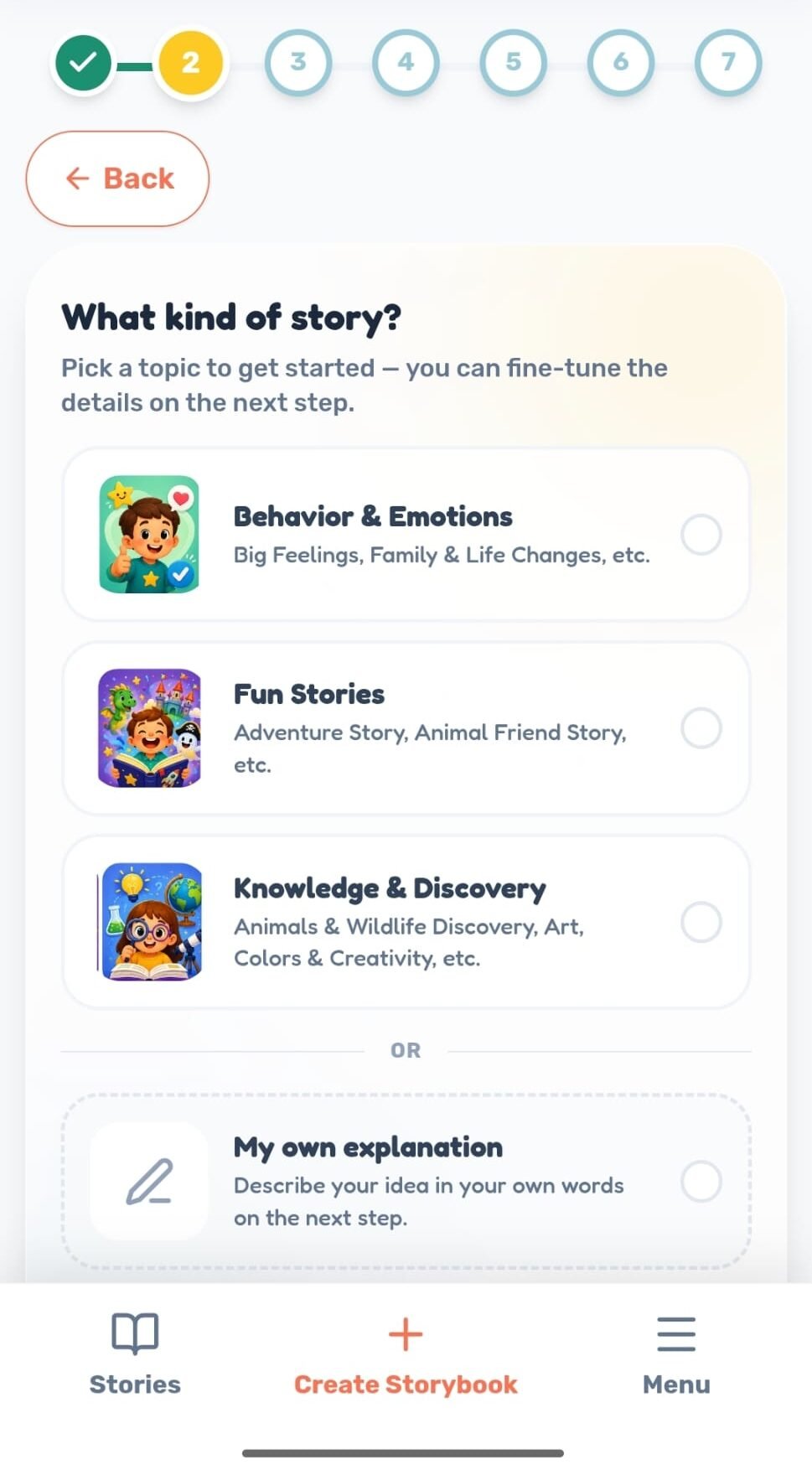
Step 2: Choose Your Story Type
Next, pick the kind of story that fits what your child needs right now.
Choose from:
- Behavior & Emotions: big feelings, family changes, and everyday life moments
- Fun Stories: adventure, animal friends, birthdays, and more
- Knowledge & Discovery: animals, wildlife, art, colors, and creativity
- Or describe your own idea in your own words
Once you pick a category, you’ll see more specific options inside it, like Adventure Story, Animal Friend Story, or Cozy Bedtime Fun Story, so you can narrow it down to exactly the story your child will love.
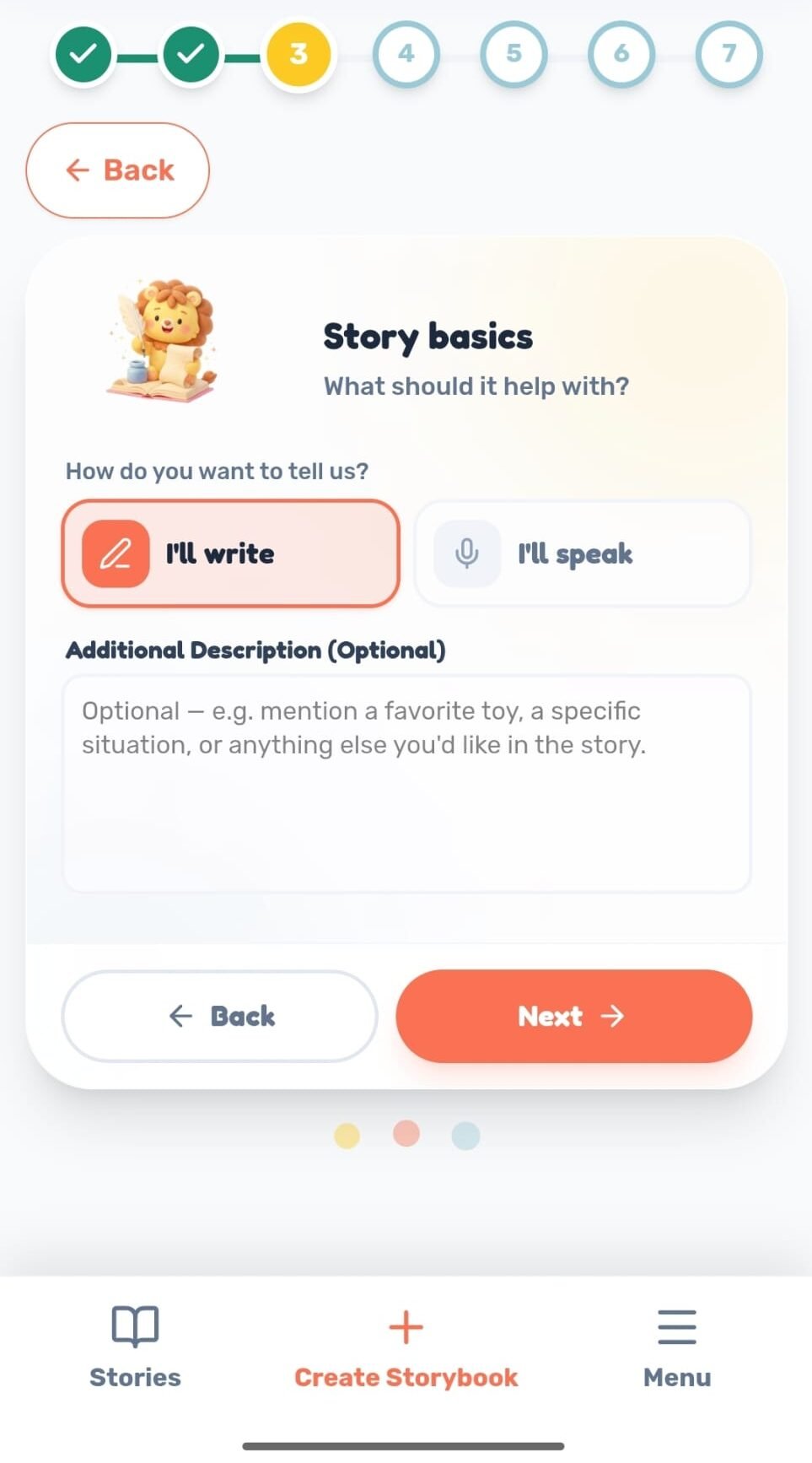
Step 3: Story Basics
Tell us what the story should help with. You can either write it yourself or speak it out loud, whichever is easier for you.
You can also add an optional description with details like a favorite toy, a specific situation, or anything else you’d like included in the story. The more detail you share, the more personal the final story will be.
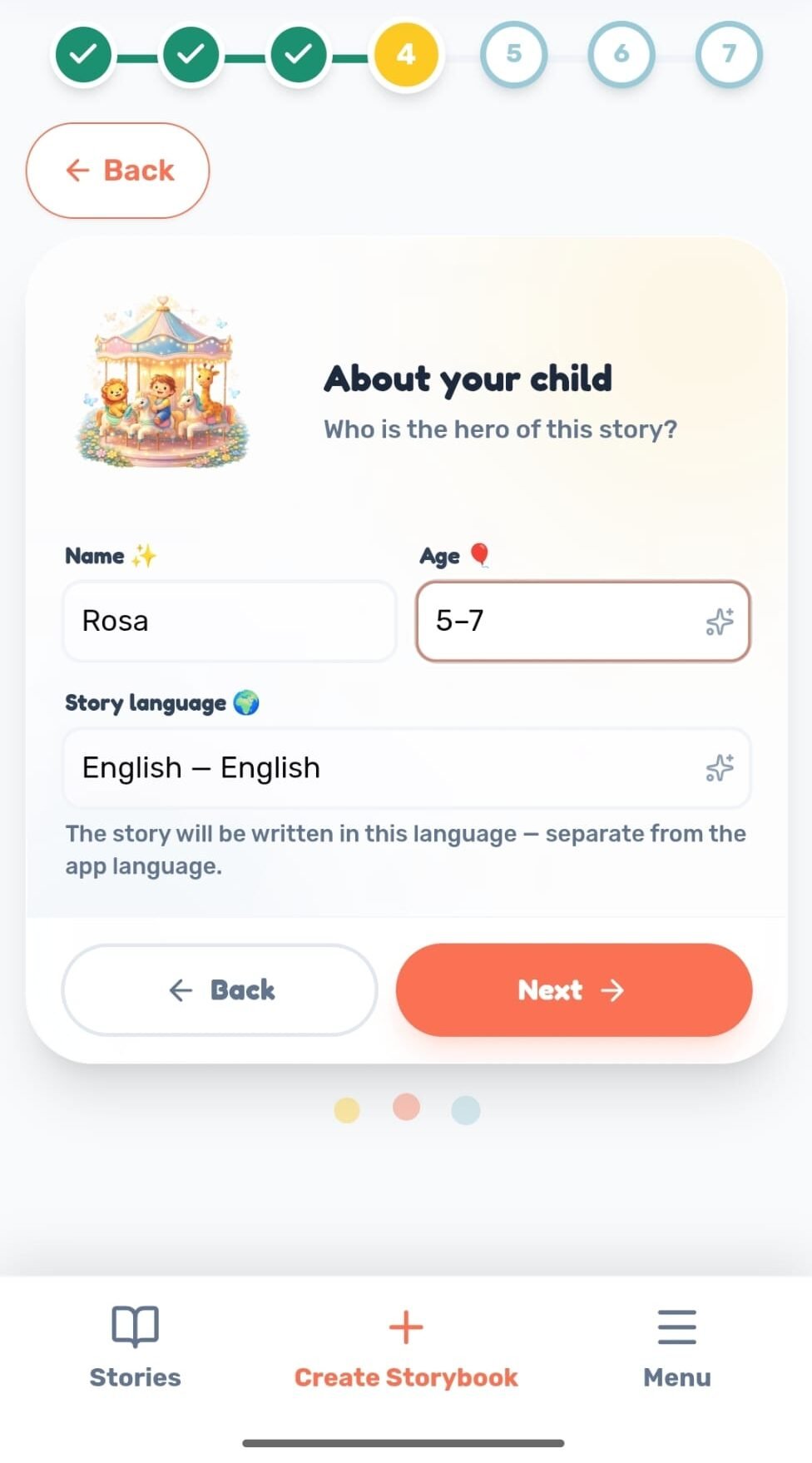
Step 4: About Your Child
Tell us who the hero of the story is. Just enter your child’s name and age, and choose the language the story should be written in (which can be different from the language your app is set to).
This is how your child becomes the actual main character of their own book, not just a name dropped into a generic template.
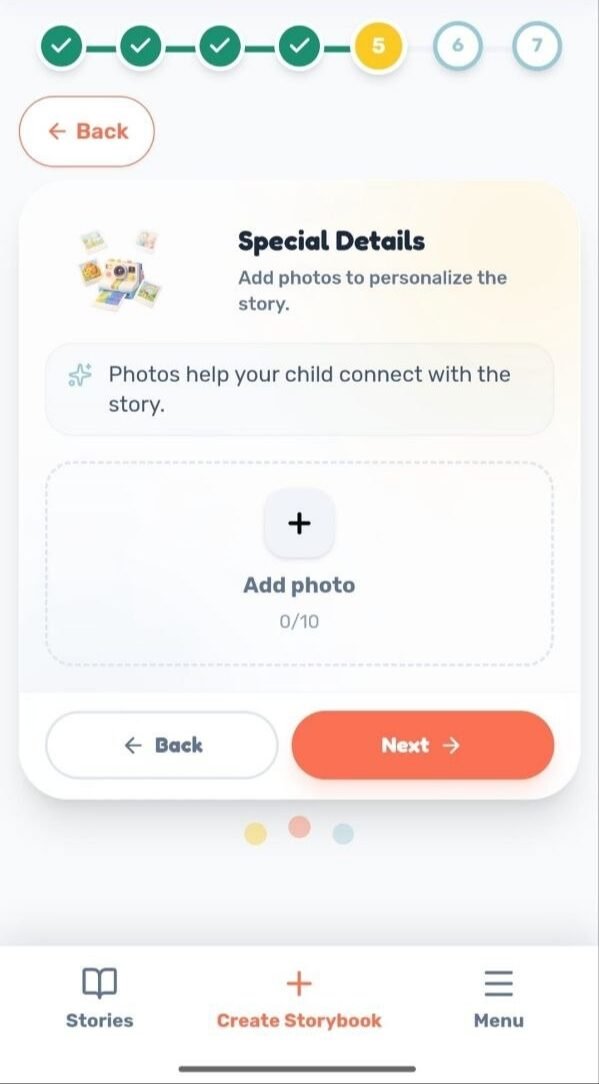
Step 5: Special Details
Add photos to personalize the story. Photos help your child connect with the story and see themselves in it.
This step is optional. You can upload up to 10 photos, or skip it entirely if you’d rather use illustrations only.
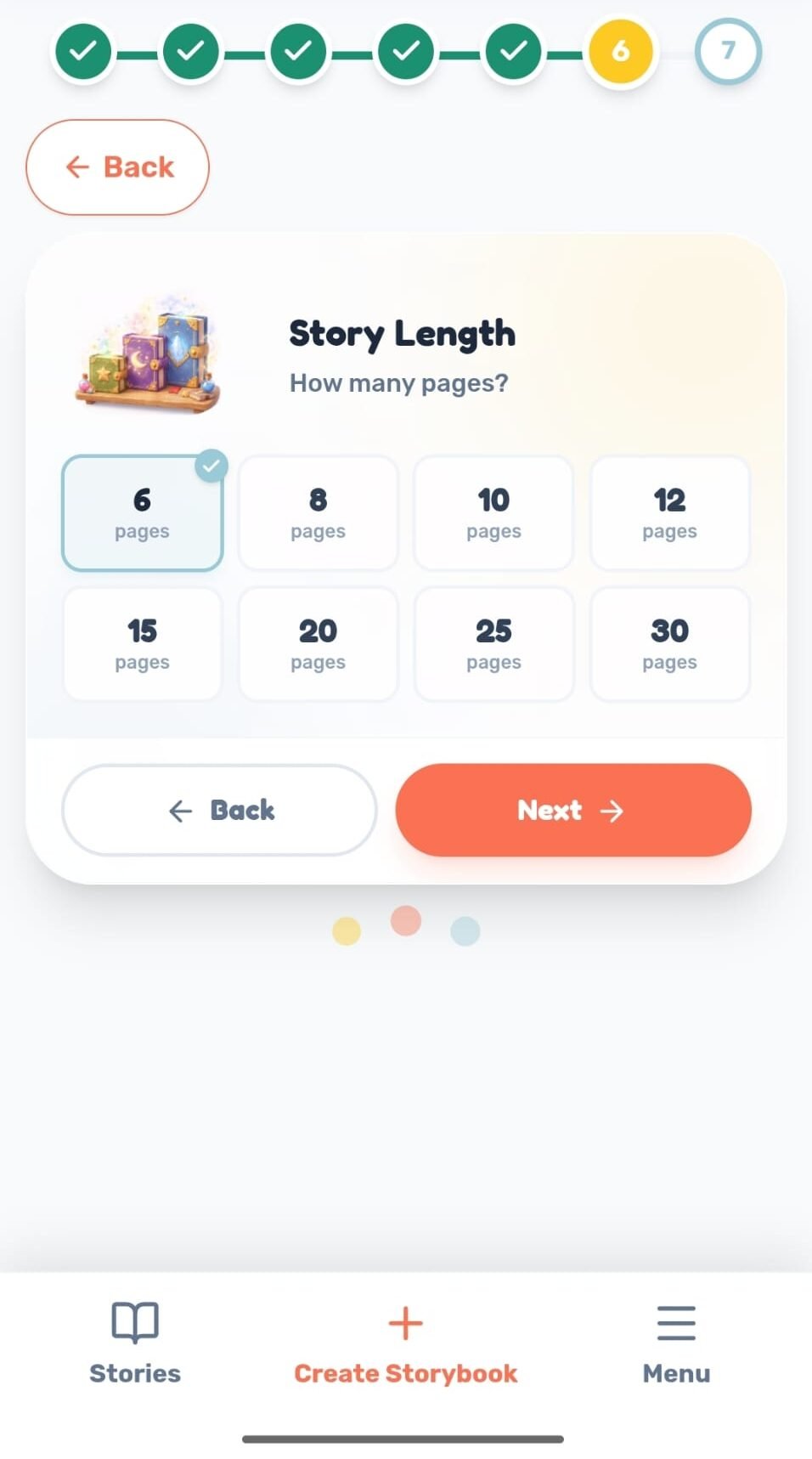
Step 6: Story Length
Choose how many pages the story should be. Options range from 6 to 30 pages, so you can pick a length that fits your child’s attention span and reading routine, whether it’s a quick bedtime story or a longer adventure.
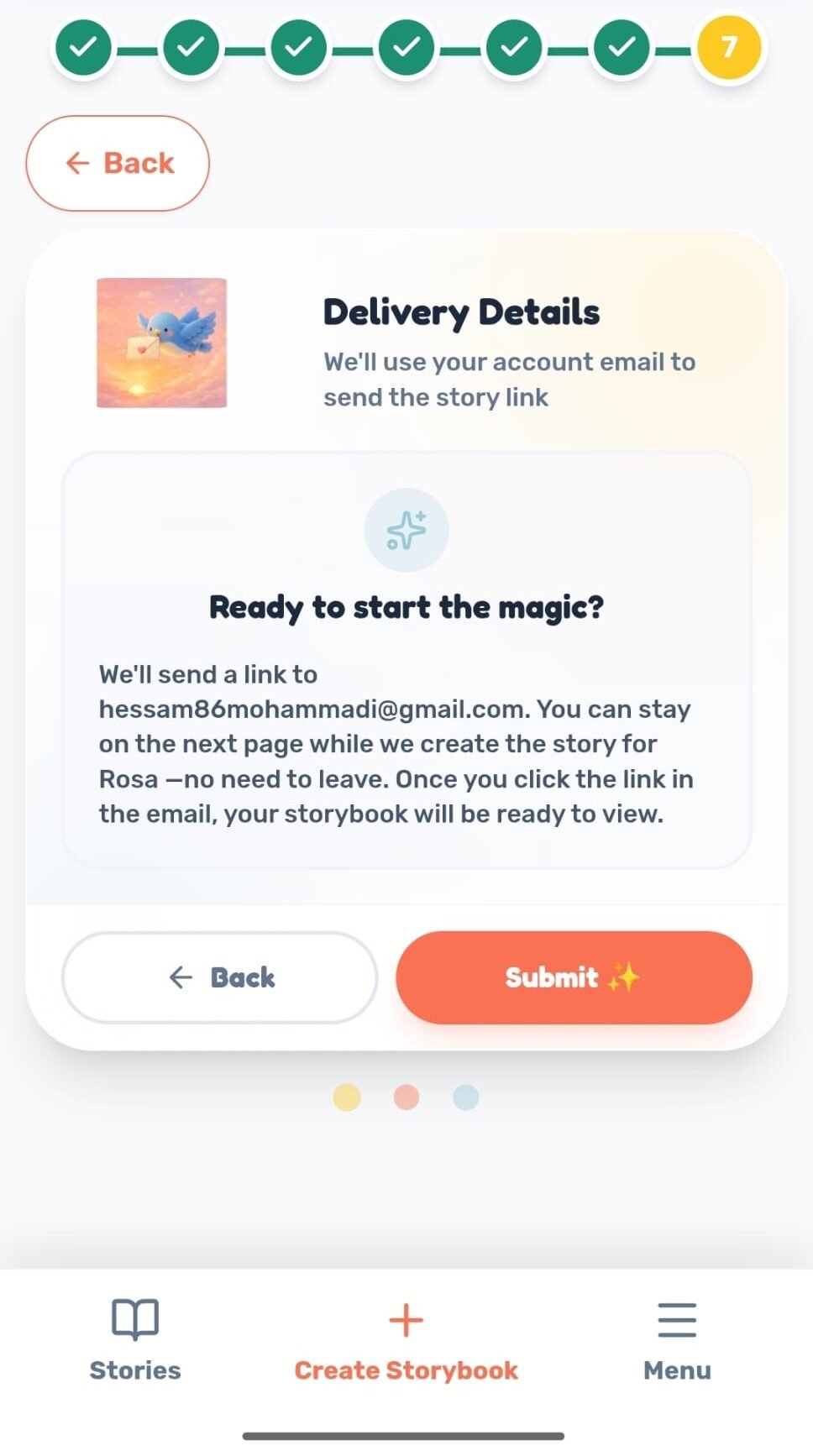
Step 7: Delivery Details
Confirm where the story link should be sent. We’ll use your account email so you can stay on the page while your child’s story is created, no need to wait around.
Once the story is ready, you’ll get a link by email, and clicking it will take you straight to your child’s finished storybook.
Your story doesn’t stop at the page. You can Turn it into narrated audio for bedtime listening, or watch it come to life as a short animated video all from the same story.